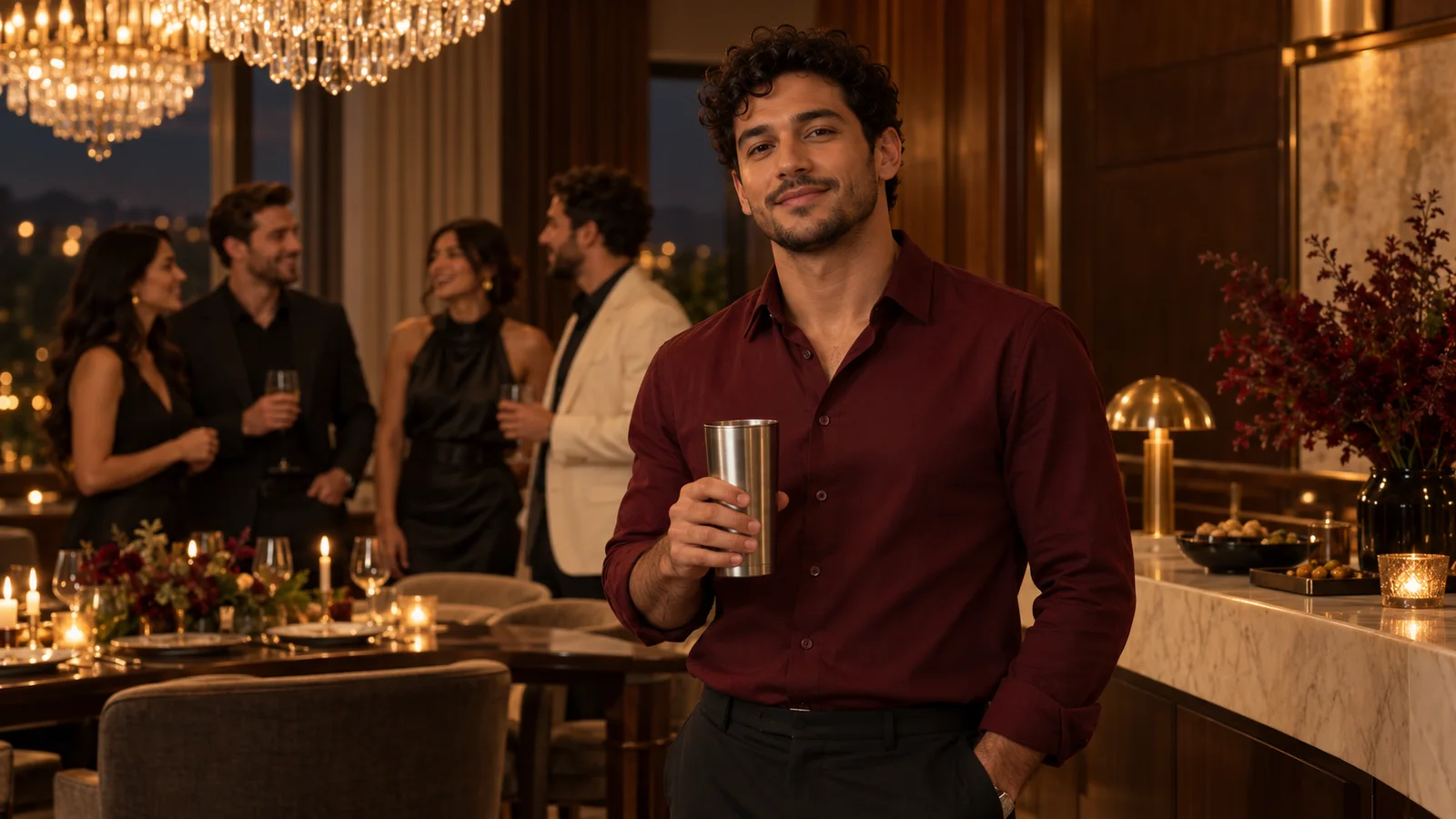
 AI concept · fictional people
Your photo, your lead
Start with one clear, authorized photo. A recognizable face helps guide the result; exact identity preservation is not guaranteed.
Bring your own photo to a warm, chandelier-lit party scene. Choose the Burning Bridges template and prepare your next AI video.
Generation service unavailableUse a clear photo with one visible person.
AI model: Seedance 2.0 · fal.ai · Model details
Chandelier light. A red outfit. Your party-scene entrance.
Illustrative concept, not a generated video result. No original music-video footage is used in this illustration.
A Burning Bridges AI video reimagines a photo as the lead in a warm party-scene performance: chandeliers, a red outfit, a metal cup and camera-facing gestures. This independent template project explores that visual style with newly generated scenes rather than promising an exact copy of another video.
Use your own photo, or obtain explicit permission from everyone depicted for AI video generation. Choose your settings and review the credit quote before submitting.
AI concept · fictional peopleStart with one clear, authorized photo. A recognizable face helps guide the result; exact identity preservation is not guaranteed.
AI concept · fictional peopleThe creative direction pairs chandelier light, a red outfit and a metal cup. These images illustrate the concept, not tested video outputs.
AI concept · fictional peopleTemplate prompts guide camera movement and gestures. Each generation can vary; original choreography and soundtrack are not copied.
One photo, a prepared template and a few simple settings.
Start with our Burning Bridges template.
Upload one clear photo. Choose the length and whether to include sound.
Generate, preview your video, and download your new creation.
It is a photo-to-video template concept for a warm, chandelier-lit party performance with a red outfit and a metal cup. This is an independent project, not an official artist service, and it does not promise to recreate an original music video.
No prompt writing is needed. Choose the template and upload an authorized photo; the server supplies the scene and motion instructions to Seedance 2.0.
Use a clear, well-lit JPG, PNG or WebP up to 5 MB, showing one adult with an unobstructed face. Upload your own photo or get explicit permission from everyone depicted for AI video generation. Your upload is sent to the provider only when you submit.
When generation opens, the button will show the credit cost before submission. Duration and audio affect the total. Confirmed failures return charged credits; unknown submissions need support review before retrying. Cash refunds follow the separate Refund Policy.
No. Optional generated audio is not the original song. This prompt-based workflow creates a new performance; it does not transfer exact choreography or guarantee lip sync. Use only audio you are authorized to publish.
Upload a photo, confirm the photo permission, sign in and make sure you have enough credits. Select Generate video to submit a task, then follow its status in My creations.
Explore the template. Prepare your photo. Keep the creative direction yours.
Prepare my photo